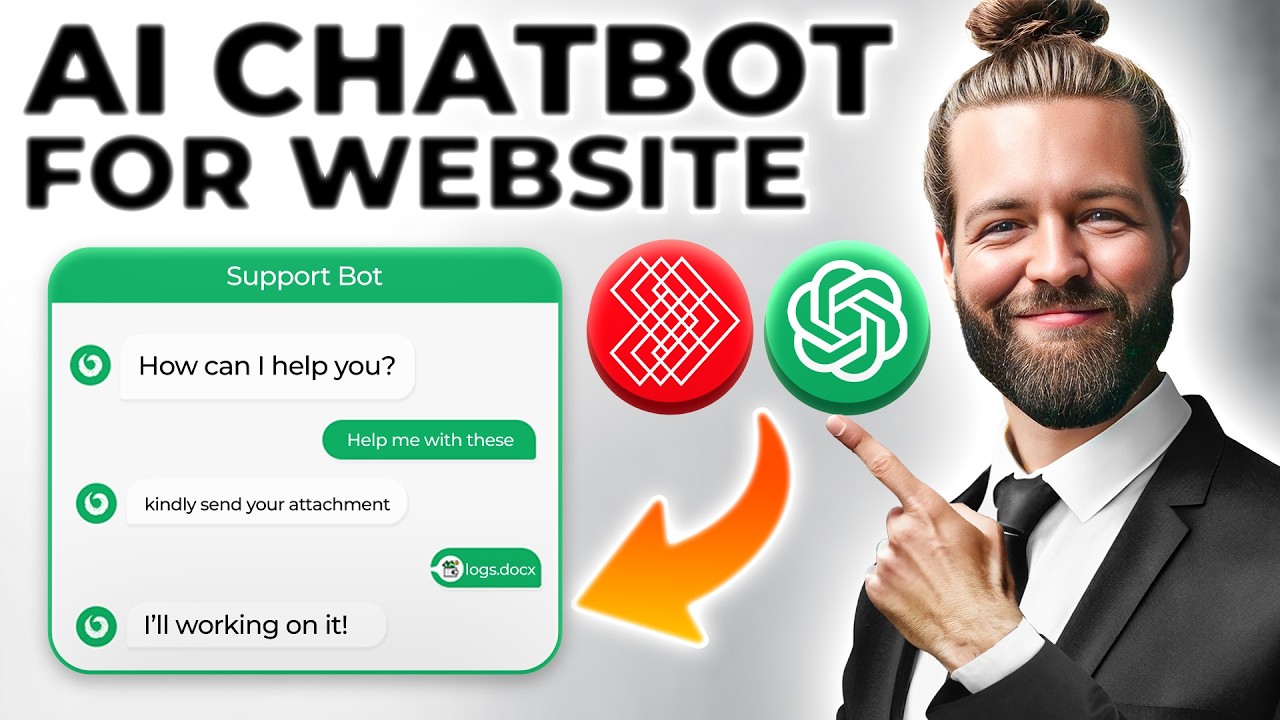

Building an AI chatbot for your website in March 2026 is more accessible than ever. Modern large language models (LLMs), no-code platforms, and simple embed codes let businesses add intelligent, conversational assistants in minutes to hours—without deep coding expertise in many cases.
Today’s website chatbots go far beyond scripted replies. Powered by models like GPT-series, Claude, Gemini, or Grok, they understand natural language, pull from your site’s content (via RAG — Retrieval-Augmented Generation), answer questions accurately, qualify leads, book appointments, handle support, and even escalate to humans seamlessly.
Whether you’re a solo entrepreneur, small business owner, or developer at a larger company, here are the most effective ways to build and deploy one right now.
Why Add an AI Chatbot in 2026?
- 24/7 instant responses reduce bounce rates
- Higher engagement and conversion (leads, sales, bookings)
- Personalized support at scale
- Cost savings vs traditional live chat or call centers
- Easy integration with CRMs, calendars, e-commerce, etc.
Main Approaches in 2026
- No-Code / Low-Code Builders (Fastest — 5–30 minutes) Ideal for most websites (WordPress, Shopify, Wix, Squarespace, custom HTML).
- API + Custom Widget (Flexible & Powerful — hours to days) Connect directly to OpenAI, Anthropic (Claude), Google Gemini, xAI Grok, etc., for maximum control and lowest long-term cost.
- Fully Managed SaaS Platforms (Enterprise-grade) Tools like Intercom, Zendesk AI, Drift — higher price but built-in analytics, handoff, integrations.
Step-by-Step: Easiest Method (No-Code with Custom Knowledge)
Many platforms now let you train on your website/pages/PDFs/docs in one click. Here’s a popular 2026 workflow using tools like SiteGPT, Chatbase, Jotform AI, or similar RAG-focused builders.
Steps:
- Choose a Builder — Pick one with strong website crawling/RAG: SiteGPT, Chatbase, CustomGPT (from OpenAI), or Jotform AI Chatbot.
- Sign Up & Create Bot — Connect your account (often free tier available).
- Train on Your Data — Paste website URL(s), upload PDFs/manuals/FAQs, or sync Google Drive/Notion. The platform automatically chunks and indexes content.
- Customize Personality & Behavior — Set tone (friendly, professional), add welcome message, suggested questions, brand colors/logo.
- Add Actions (Optional) — Connect to Zapier/n8n for bookings, form submissions, Slack notifications, CRM updates.
- Get Embed Code — Copy the JavaScript snippet (usually one line).
- Install on Website — Paste into footer/header (WordPress: Appearance > Theme Editor or plugin; Shopify: Theme > Edit code > theme.liquid; Wix/Squarespace: Add Embed/HTML block).
- Test & Launch — Chat with it on your live site, refine answers if needed, go live.
Pros: Fast setup, accurate answers from your content, no coding, automatic updates in many cases. Cons: Monthly cost scales with usage; less control than custom code.
Advanced Method: Build with LLM API + Simple Frontend
For more customization, cost efficiency, or unique features, use an API directly.
Popular LLM Choices in 2026 (API Pricing per Million Tokens — Input/Output):
- xAI Grok → Often cheapest (~$0.20 / $0.50), fast, great for real-time info via X integration.
- OpenAI GPT → Balanced performance/cost (~$1.75 / $14 for flagship models).
- Google Gemini → Strong multimodal, good budget options (~$0.50–$2 / $3–$12).
- Anthropic Claude → Excellent reasoning/writing (~$3–$5 / $15–$25).
Quick Build Steps (using JavaScript + HTML widget):
- Get an API key from your chosen provider.
- Use a frontend library/widget:
- Botpress (open-source, visual flow + API)
- Vercel AI SDK / LangChain.js
- Simple custom chat UI with Fetch to backend
- Backend (Node.js / Python Flask / Next.js API route):
- Receive user message
- (Optional RAG): Search your vector DB (Pinecone, Weaviate, or simple in-memory) or crawl site
- Call LLM API with system prompt + history + retrieved context
- Stream response back
- Embed floating chat bubble (use libraries like react-chatbot-kit or build with Tailwind).
- Deploy → Host on Vercel/Netlify for free tier.
Example System Prompt for Website Support Bot: “You are a helpful assistant for [Your Company]. Answer only using information from our website/docs. If unsure, say ‘I don’t have that info — would you like to speak to a human?’ Keep replies concise and friendly.”
Quick Comparison Table (2026 Landscape)
Tips for Success in 2026
- Always include human handoff — “Connect me to support” triggers email/Slack/live chat.
- Use streaming responses for natural feel (most APIs support it).
- Monitor usage — set budgets/alerts on API dashboards.
- Add proactive triggers (e.g., “Looking for pricing?” after 30s on page).
- Test edge cases — pricing questions, complaints, off-topic.
- Stay compliant — disclose AI usage, handle PII carefully.
- Update knowledge base regularly if content changes.
In under an hour, you can have a smart, on-brand AI assistant engaging visitors 24/7. Start with a no-code tool if you’re new; graduate to API builds as needs grow.