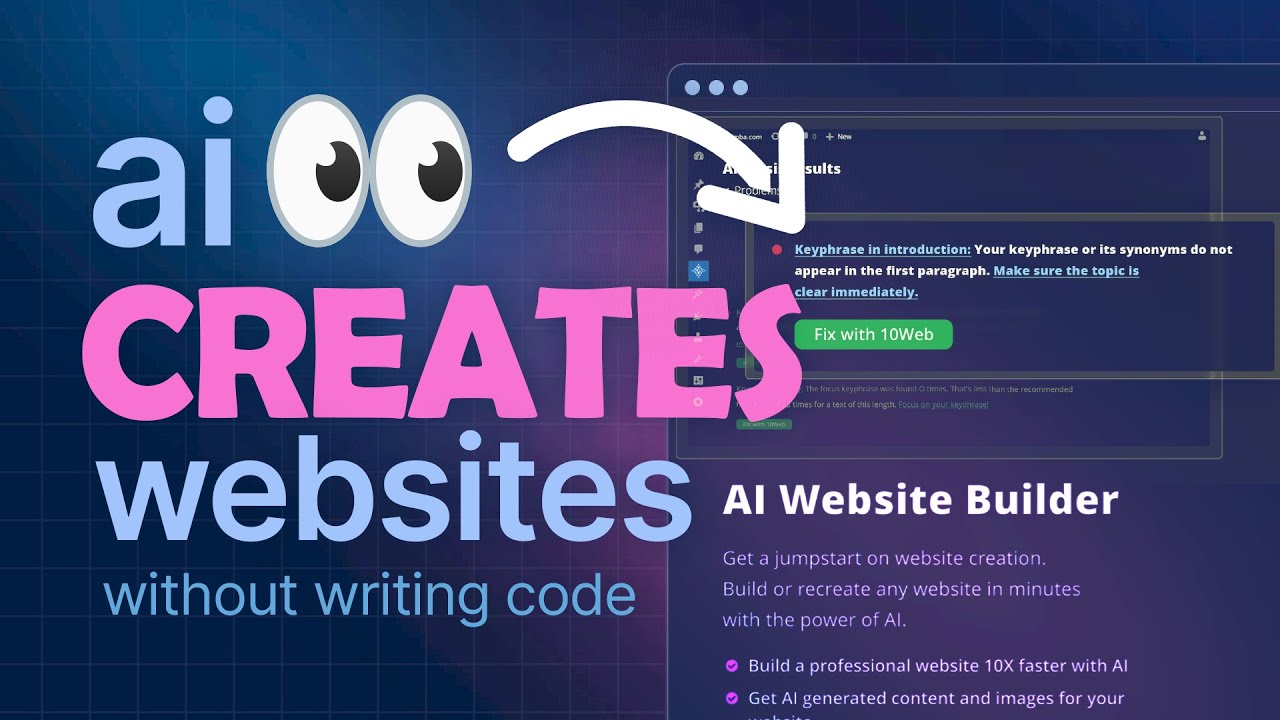

In 2026, artificial intelligence has transformed website layout design from a time-intensive craft into a fast, iterative, and highly accessible process. Whether you’re a solo entrepreneur, freelance designer, or part of a creative team, AI tools can now generate complete layouts, suggest smart hierarchies, optimize for conversions, and handle responsive behavior in minutes — often from nothing more than a short text description.
The key? AI excels at exploration and speed, while humans still dominate strategic direction, brand nuance, emotional resonance, and final polish.
Why AI Has Become Essential for Layout Design in 2026
Modern AI layout tools offer several decisive advantages:
- Generate 5–15 layout variations in under 60 seconds
- Create mobile-first responsive structures automatically
- Suggest hierarchy based on conversion psychology and current design trends
- Adapt layouts to specific industries (SaaS, e-commerce, portfolios, personal brands…)
- Integrate real brand colors, typography, and tone when given proper direction
Popular tools that lead in layout generation capabilities right now include:
- Framer AI — Best for beautiful, production-ready website layouts from text prompts
- Galileo AI — Excels at high-fidelity UI screen layouts (great for app/web hybrid projects)
- Uizard — Turns text, sketches, or screenshots into editable layouts quickly
- Relume — Outstanding for sitemaps + structured wireframes before visual design
- Hostinger AI Builder, Wix ADI/Blueprint, 10Web, and Squarespace Blueprint — Strong all-in-one builders with excellent layout engines
- Emerging players like Visily, UX Pilot, and v0 by Vercel for more developer-oriented flows
Step-by-Step: How to Design Website Layouts with AI in 2026
1. Define Clear Goals & Constraints First (The Human Step)
Before touching any AI tool, answer:
- Primary business goal? (lead generation, sales, portfolio showcase, blog authority…)
- Target audience + emotional tone? (professional/trustworthy, playful/creative, bold/luxury…)
- Must-have sections? (hero, features, testimonials, pricing, CTA, footer…)
- Brand assets already available? (logo, colors, fonts, voice/tone guidelines)
Strong inputs = dramatically better AI outputs.
2. Choose the Right AI Tool for Your Use Case
| Goal | Best Tools (2026) | Why |
|---|---|---|
| Fast full website from prompt | Framer AI, Hostinger, Wix AI | End-to-end site with hosting |
| High-fidelity UI layouts/screens | Galileo AI, Uizard | Polished component-level design |
| Information architecture first | Relume | Sitemaps + wireframes fast |
| WordPress users | 10Web AI | Converts to editable WP |
| Designer who wants control | Framer AI + Figma AI | Bridge from prompt to refinement |
| Budget / beginner friendly | Hostinger AI, Durable, Design.com | Affordable + quick results |
3. Craft an Effective AI Prompt for Layout Generation
Good prompts are specific, structured, and constraint-aware. Use this template:
text
Create a modern [industry/type] website layout for [business name / project].

Target audience: [demographic + mindset]

Main goal: [primary conversion action]

Color palette: [primary color + 1–2 accents] or "match [brand name] branding"

Tone & style: [professional/minimal, bold/vibrant, elegant/luxury, playful/creative…]

Must-have sections in this order:
1. Hero with [value proposition + strong CTA]
2. [Section 2 e.g. Features / How it works]
3. Social proof / Testimonials
4. Pricing / Offer
5. Final CTA / Contact

Mobile-first, generous whitespace, large typography, smooth scroll animations.

Avoid: [things you hate — skeuomorphism, heavy shadows, generic stock photos…]
Examples that work extremely well in 2026:
- Framer AI: “Dark-mode SaaS dashboard homepage for project management tool aimed at remote engineering teams. Blue + purple accents. Hero with 3D animated mockup, feature grid, social proof carousel, pricing comparison table, footer with trust badges.”
- Galileo AI: “Fitness mobile app onboarding flow – clean white interface, large hero illustrations of people exercising, simple progress tracker cards, motivational quotes.”
- Relume: “Marketing website sitemap and wireframes for boutique coffee roaster – pages: home, about, shop, blog, contact. Focus on storytelling + product photography.”
4. Generate → Evaluate → Iterate (The Core Loop)
Most powerful workflow in 2026:
- Generate 3–8 layout variations
- Immediately eliminate 70–80% (gut feel + goal alignment)
- Pick 1–2 strongest directions
- Ask the AI to create variations of only the hero, only the features section, etc.
- Export or continue editing in the native editor
- Add real content, images, micro-interactions
- Run mobile + accessibility checks
- (Optional) Use AI heatmap/attention prediction tools if available
5. Polish & Humanize the Layout
AI outputs in 2026 are good — sometimes shockingly good — but almost always need:
- Asymmetric spacing tweaks for visual interest
- Custom iconography / illustrations
- Subtle brand-specific micro-animations
- Carefully tuned type scale & line lengths
- Strategic negative space adjustments
- Final conversion-focused CTA hierarchy
This is where you add soul.
Quick-Start Prompt Cheat Sheet (Copy-Paste Friendly)
Portfolio homepage “Full-width portfolio site for freelance motion designer. Dark background, neon accent colors. Massive video hero with reel embed, selected works grid with hover grow effect, client logos, contact form in footer.”
SaaS landing page “Modern SaaS pricing page layout. Clean white + indigo. Hero with 3D product mockup and ‘Start 14-day trial’ CTA. Comparison table with checkmarks, FAQ accordion, trust badges, secondary CTA at bottom.”
E-commerce category page “Product listing layout for sustainable fashion brand. Earth tones, large imagery. Filters sidebar, masonry grid of products with quick view hover, infinite scroll, prominent sorting dropdown.”
Final Thoughts
The most successful designers in 2026 treat AI as a high-speed creative collaborator, not a replacement. The real edge comes from:
- Knowing exactly what to ask for
- Rapidly filtering AI outputs
- Adding human judgment in the final 20% of refinement
Master this loop, and you can go from blank canvas to polished, conversion-optimized layout in under an hour — something that took days or weeks just a few years ago.