
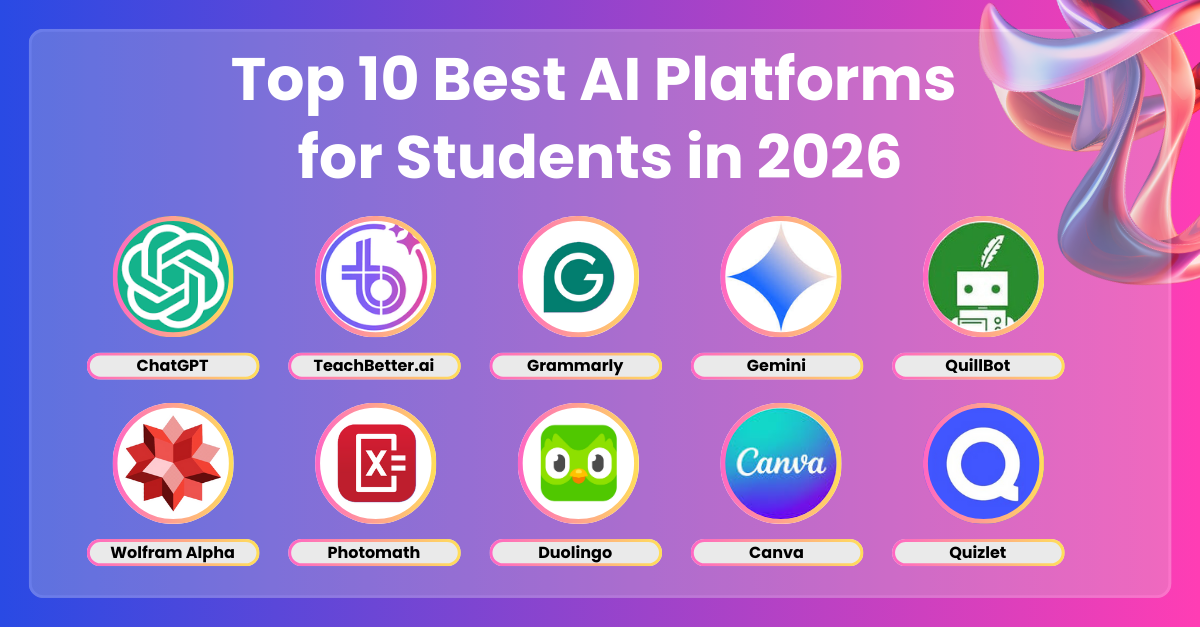
In 2026, AI tools have become indispensable for students, transforming how they research, write, organize, study, and manage time. From advanced multimodal models to specialized study agents, these tools boost productivity while encouraging ethical use—such as verifying sources and using AI as a learning aid rather than a replacement for original work.
Here are the top AI tools for students in 2026, based on popularity, features, free access, and real student utility.
1. ChatGPT (OpenAI)
ChatGPT remains a versatile powerhouse for students. It excels at explaining complex concepts, brainstorming essay ideas, generating practice questions, and deep research via its advanced modes.
- Best for: General help, tutoring-style explanations, voice conversations for on-the-go studying.
- Standout 2026 features: Enhanced deep research, voice mode, and integration with custom agents.
- Access: Free tier available; Plus version for priority and advanced models.
- Tip: Use it to break down lectures or debug code, but always cross-check facts.
2. Google Gemini
Google’s Gemini (especially the Pro version) offers strong multimodal capabilities—handling text, images, videos, and documents seamlessly. Many universities provide students with extended free access, including storage perks.
- Best for: Research with real-time web access, image/video analysis, creating study visuals.
- Standout 2026 features: 1-year free Pro for students in many regions, excellent for learning and generating diagrams.
- Access: Free basic; student promotions for advanced.
- Tip: Upload textbook pages or lecture slides for instant summaries.
3. Claude (Anthropic)
Claude stands out for high-quality writing, long-context handling, and ethical reasoning—ideal for essay drafting, coding, and in-depth analysis.
- Best for: Academic writing, coding assignments, detailed critiques.
- Standout 2026 features: Superior long-form output and project collaboration tools.
- Access: Free tier with generous limits; paid for heavy use.
- Tip: Paste your draft for refinement while maintaining your voice.
4. NotebookLM (Google)
This gem turns your notes, PDFs, or lecture recordings into interactive study materials—summaries, FAQs, timelines, and even AI-generated podcasts.
- Best for: Creating personalized study guides from your own materials.
- Standout 2026 features: Audio overviews (like podcast discussions of your notes) and grounded responses (no hallucinations outside your sources).
- Access: Completely free.
- Tip: Upload class notes weekly for quick review podcasts during commutes.
5. Perplexity AI
A research-focused AI search engine that provides concise answers with cited sources—perfect for fact-checking and avoiding misinformation.
- Best for: Quick, sourced research and literature reviews.
- Standout 2026 features: Fast, citation-rich responses and follow-up questions.
- Access: Generous free tier.
- Tip: Use it instead of traditional Google for academic queries.
6. Grammarly
The go-to writing assistant has evolved with deeper AI suggestions for tone, clarity, structure, and even plagiarism flagging.
- Best for: Polishing essays, emails, and reports.
- Standout 2026 features: Advanced style/genre adjustments and integration across apps.
- Access: Free core version; premium for advanced.
- Tip: Pair it with Claude or ChatGPT drafts for perfect submissions.
7. Notion AI
Integrated directly into Notion (a popular student workspace), it summarizes pages, generates to-do lists, brainstorms, and auto-organizes databases.
- Best for: All-in-one note-taking, project management, and study planning.
- Standout 2026 features: AI-powered databases and Q&A over your workspace.
- Access: Free with Notion; AI features included or low-cost add-on.
- Tip: Build a semester dashboard with AI-assisted weekly plans.
8. Otter.ai
This transcription tool converts lectures, meetings, or study groups into searchable text—with speaker identification and summaries.
- Best for: Note-taking during classes or group sessions.
- Standout 2026 features: Real-time transcription and AI summaries/highlights.
- Access: Free tier with limits; paid for unlimited.
- Tip: Record office hours for later review.
Honorable Mentions for Specific Needs
- QuillBot — Paraphrasing and summarizing tool (great for avoiding repetition).
- MagicSchool.ai or similar edtech platforms — For generating quizzes/flashcards (student-accessible versions).
- DALL·E 3 / Gemini image gen — Visual aids for presentations or mind maps.
These tools represent a balanced mix of free/powerful options that dominate student workflows in 2026. Start with 2–3 that match your biggest pain points (e.g., research + writing + notes), and remember: AI amplifies your effort—it doesn’t replace learning, critical thinking, or originality.